All items in this menu tab are purely informative, you can not make any changes or settings.
License information
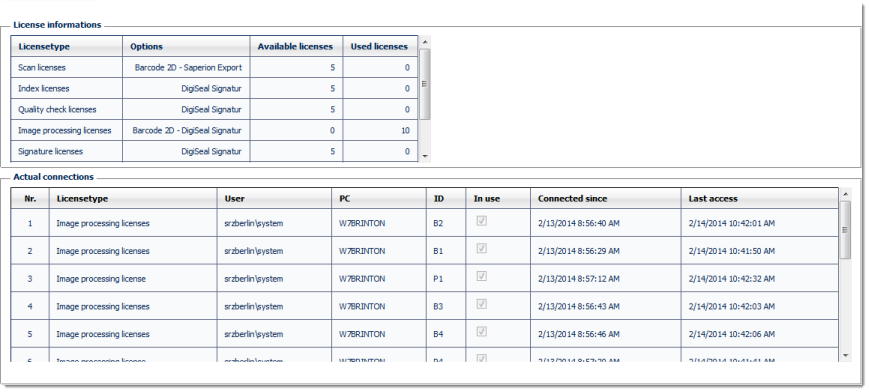
The top window, License information, is a list of all possible CROSSCAP Enterprise licensing items. It will show the number of licensing items purchased (Available licenses) versus the number of licenses which are currently in use (Used licenses).
The bottom window, Actual connections, is a list of all processes which are currently occupying one of the Used licenses listed above. The table contains various technical information required for troubleshooting.
Downloads
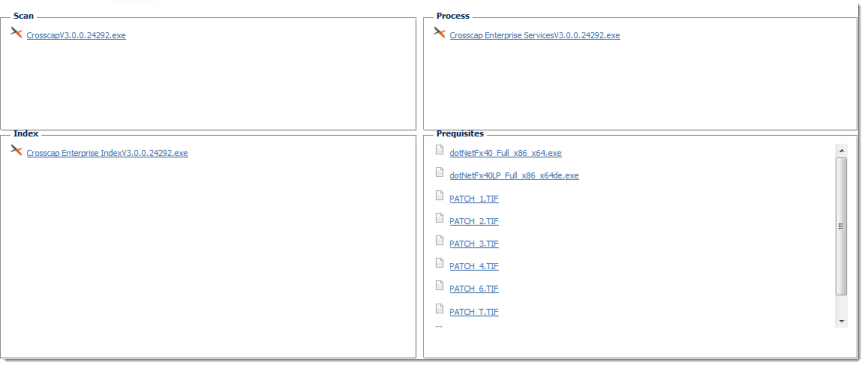
The CROSSCAP Enterprise system features an internal update service. This service ensures that all PC clients and server processes utilize the most recent and matching software versions.
Software items kept and distributed by the update system are listed in the window above. These items were either downloaded or copied from installation media. All items are grouped into one of the following four categories:
Help
Opens the local help file. You're probably reading it, right now ...
About ...
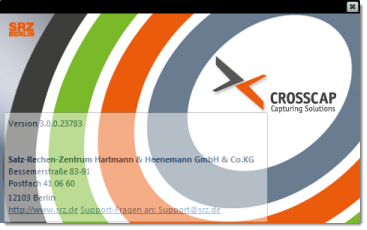
Besides other information, this screen will display the currently running version of the central CROSSCAP Enterprise Process management module.
Use the cross icon (in the top right corner) to close this window.