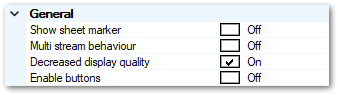
Show sheet marker
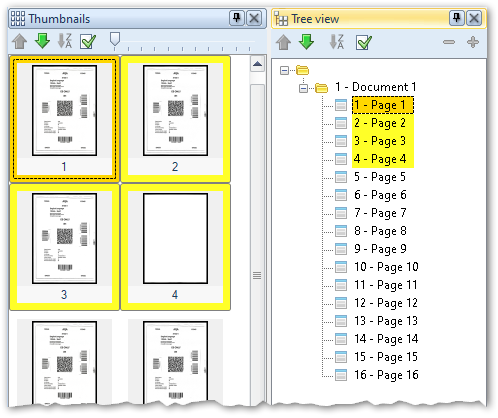
This option lets you turn the sheet reference (i.e. which of the displayed images belong to the current sheet) on or off in the thumbnail view. If any page is selected, the front and back pages belonging to the current sheet are additionally framed.
Ex:
Multi stream behaviour
If you are scanning in Multistream mode and have selected the On setting here, only one of several document pages (namely the one with the lowest color depth) will be displayed in the image view while scanning.
Decreased display quality
Reduces the quality of the image display in the image view while scanning (not during import), in favor of processing speed.
Enable buttons
With the Off setting, all critical buttons (with the exception of scanner control) are "grayed out" during the scanning process, i.e. these buttons become inactive while scanning. This setting prevents manual batch editing from being attempted in parallel with the scan process - and is the recommended setting.
You can activate all buttons with the On setting. You can then operate buttons already while scanning, but run the risk of internal program conflicts occurring.